For OpenWrt 25.12 and 24.10
See what your router is doing.
Vantage is a theme for LuCI, OpenWrt's web interface, plus a dashboard that opens when you log in: who's connected, how busy the uplink is, and what needs fixing. Every other LuCI page gets the same look.
- Free software, GPL-3.0-or-later
- Any target: architecture-independent
- No CDNs or web fonts
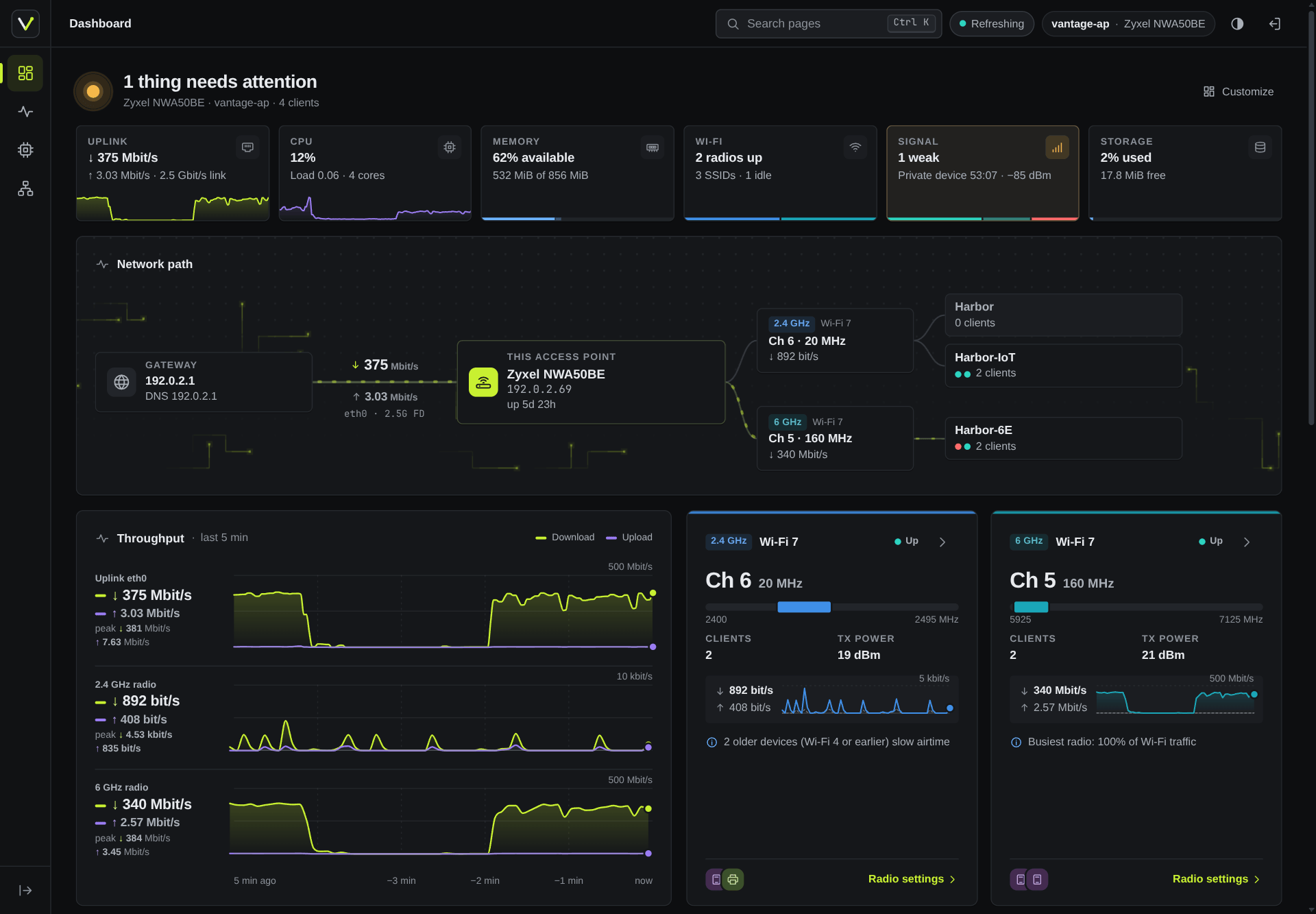
Recorded data from a real access point, pseudonymised: documentation addresses and MACs, neutral names.
What you get
Two packages. Installed on its own, the dashboard works under any LuCI theme; with both, it goes with the Vantage theme. The theme is useful without the dashboard.
-
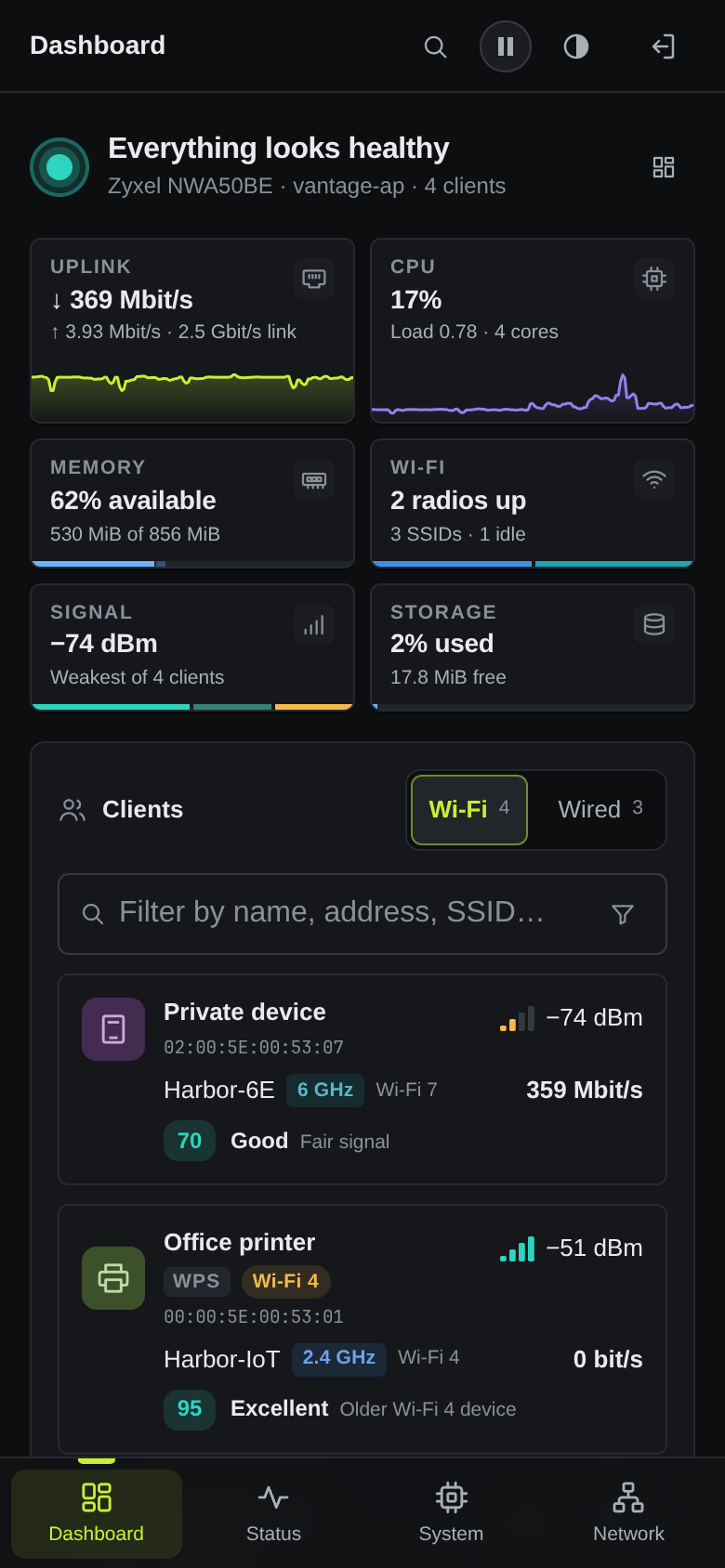
Health at a glance
Six checks: uplink, CPU, memory, Wi-Fi, client signal and storage. Each has its own icon, a one-line reason and a picture along its edge, and opens what it is about.
-
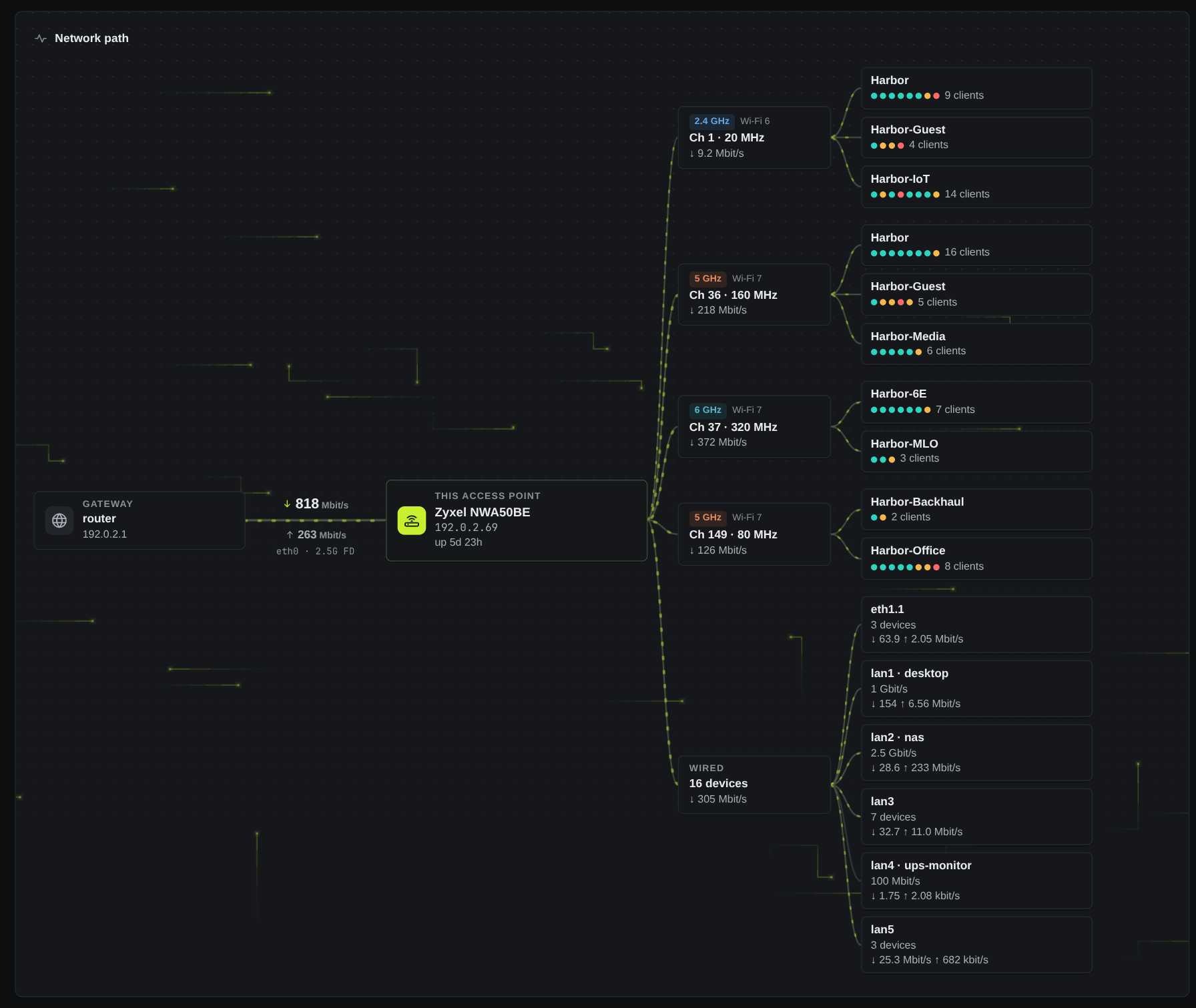
The network path, live
Gateway, access point, radios and SSIDs, plus a Wired branch per port. Packets cross its grid with the live uplink rate; click any node for details.
-
Every client, by name
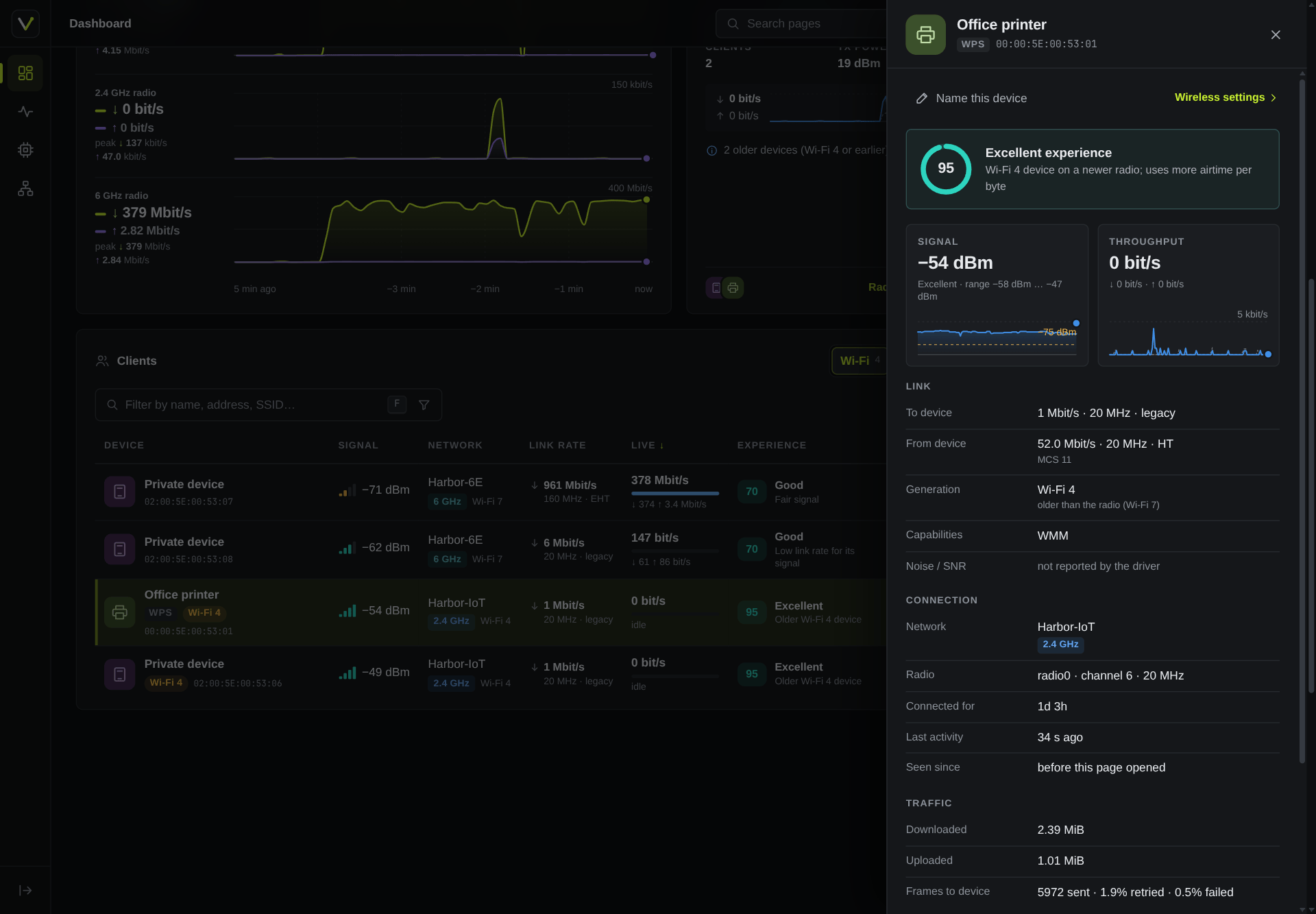
Your alias, reverse DNS, mDNS, DHCP and WPS names or the vendor. Signal, link rate, Wi-Fi generation, live traffic and an experience score that says why. Wired devices too.
-
LuCI, restyled
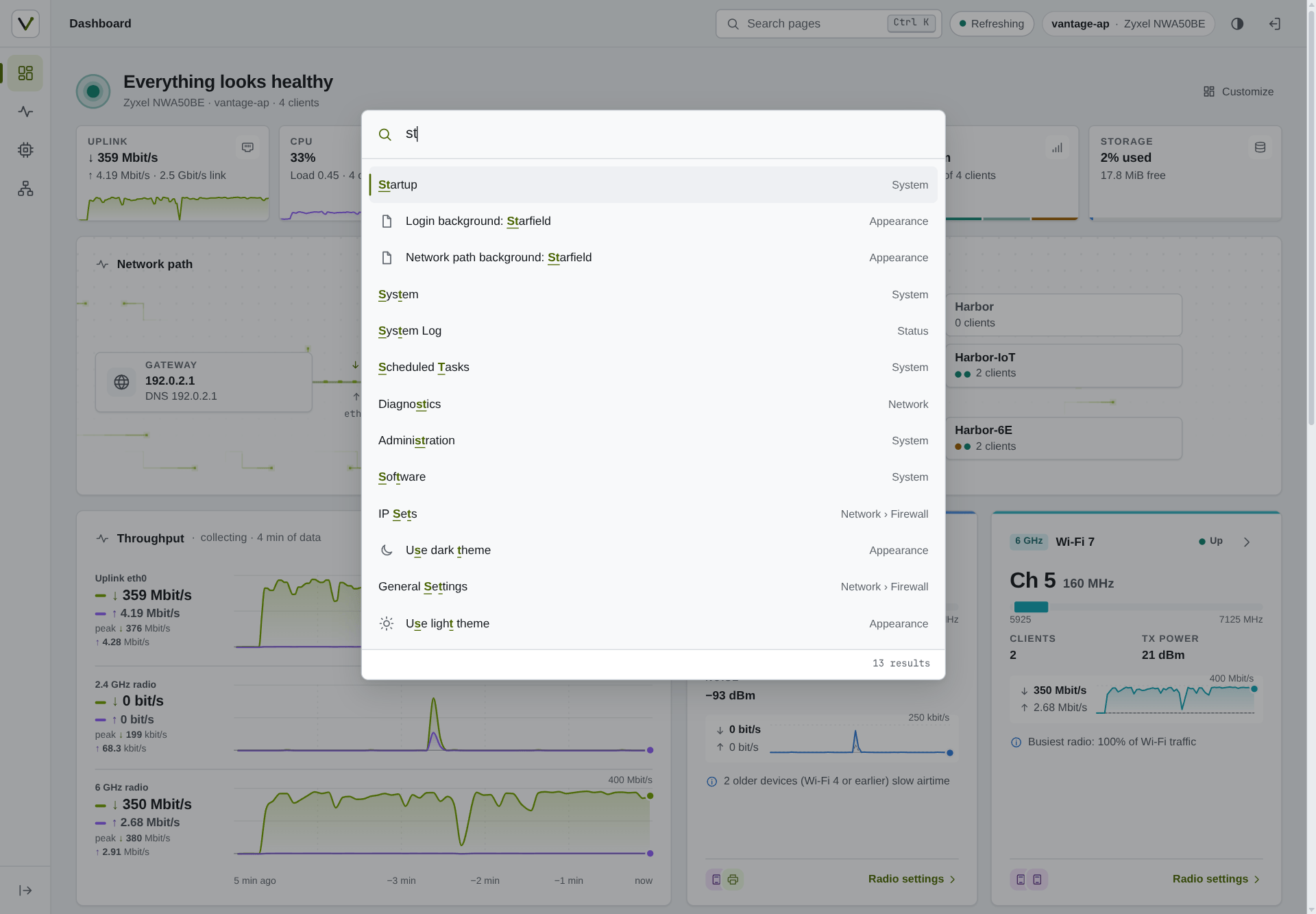
An icon rail, breadcrumbs and page tabs, a Ctrl+K palette over every page you can open, and light, dark or auto mode without a flash. Tables become cards on phones.
-
Read-only by design
Apart from device names, which the router validates, the dashboard's permissions grant read methods only: no
file.exec, and never Wi-Fi keys. -
Small and self-contained
System fonts and self-drawn icons; nothing loads from the internet unless you click Check for updates, so the UI works offline. Two architecture-independent packages for every target, from signed apk and opkg repositories.
Vantage in ten seconds
A closer look
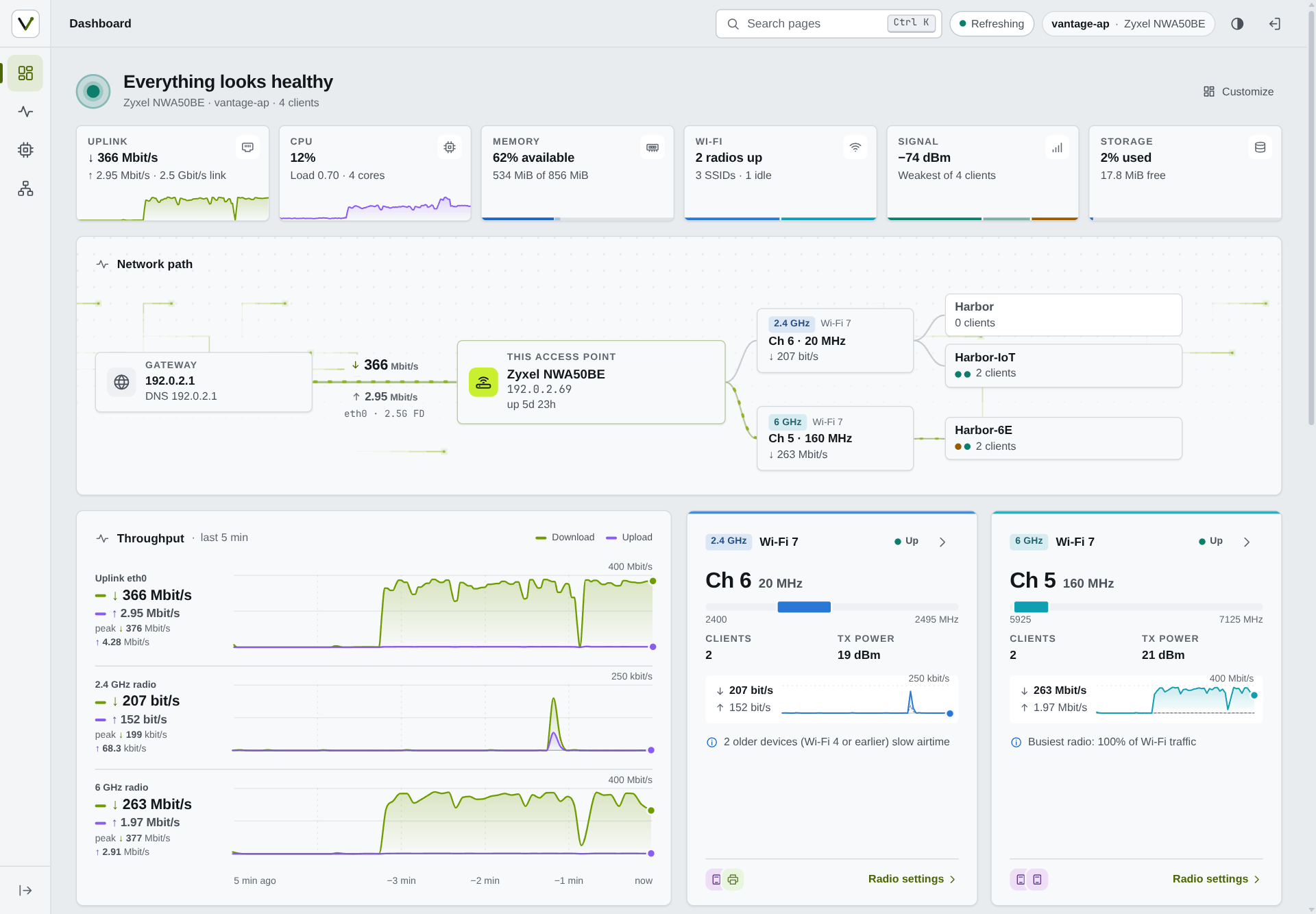
Dark, light or auto
The mode is applied before the first paint, so pages never flash. The dashboard takes the theme's buttons, tabs, tables and status colours, so LuCI and the dashboard read as one product.
Every client, up close
Open a client for its experience score and the reason for it, signal history, link rates both ways, capabilities, traffic and retries. Rename the device in place.
Every page, one keystroke away
Ctrl+K or / opens a palette with fuzzy search over every page you can open, each named with its place in the menu, and the Appearance choices too.
Room for a bigger network
Four radios, ten networks, 74 clients and six wired ports, each port with its live traffic, on one network path. Shown with the larger access point that the development replay generates.
Made for phones too
On a phone the rail becomes a bottom bar and sheet, controls grow for touch, tables turn into cards, and the clients list switches between Wi-Fi and Wired.
LuCI's own pages, in the same style
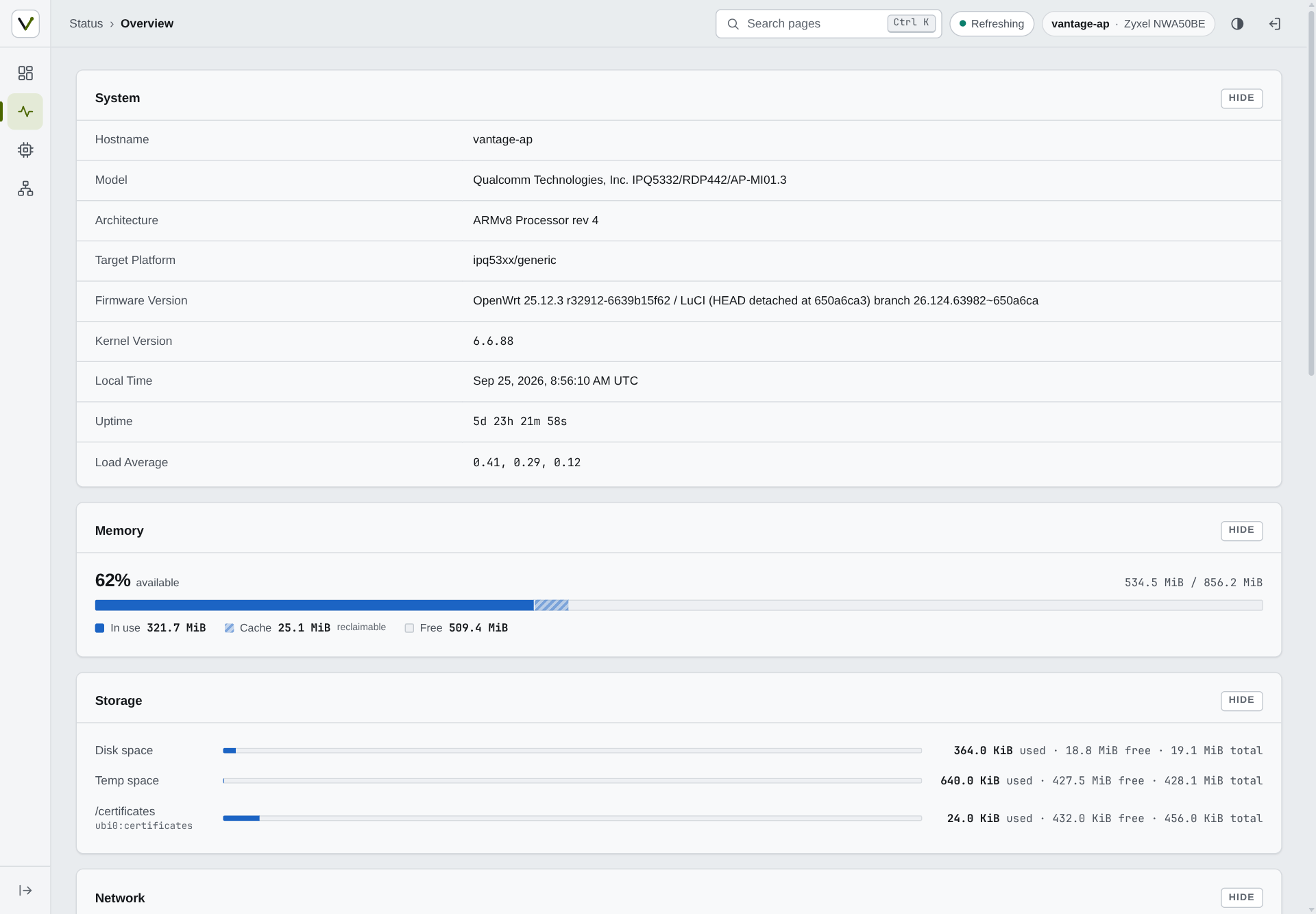
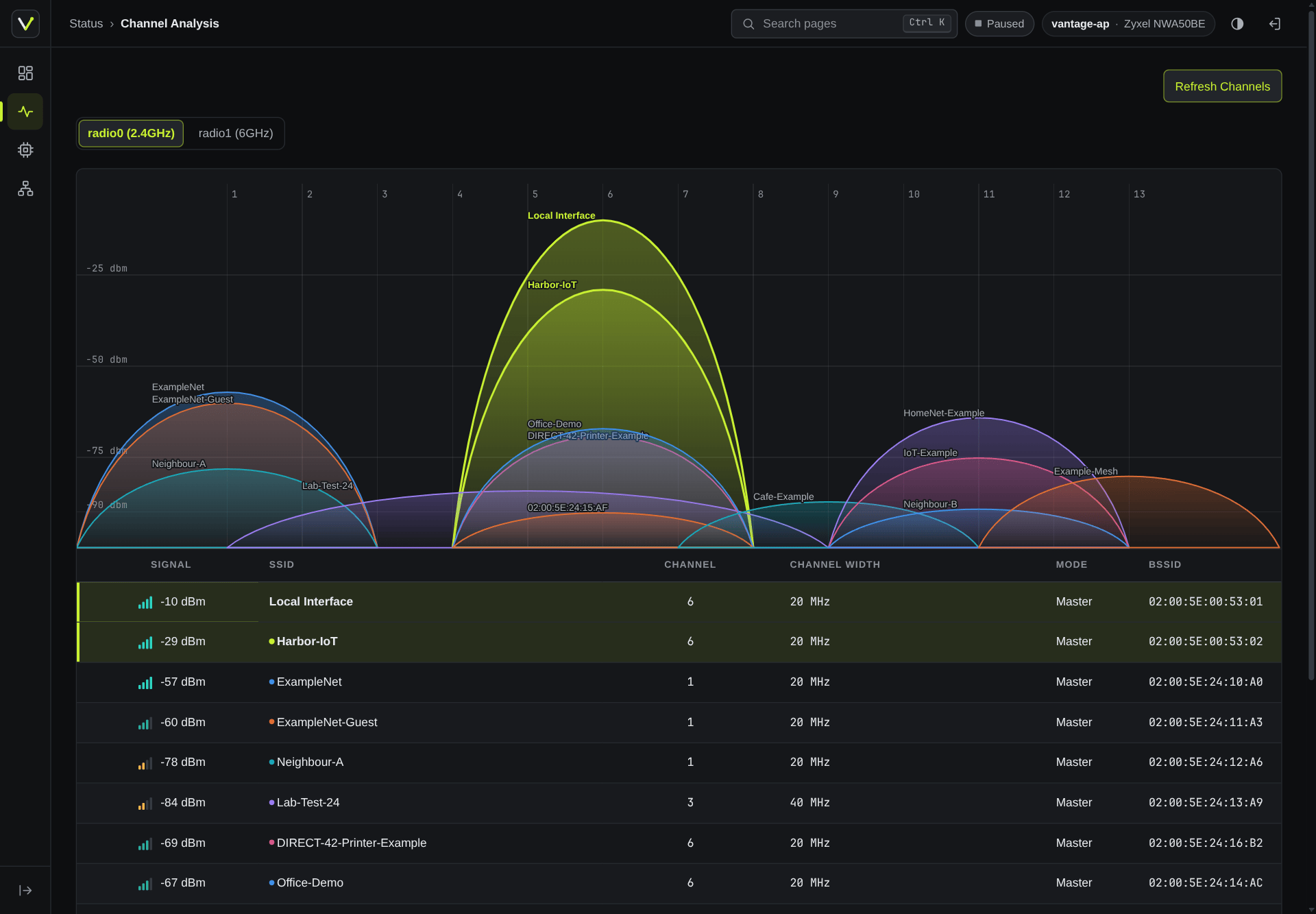
Stock pages, forms, tables, charts and status icons; a table row's extra actions fold into a ⋯ menu, and tables become cards on phones.
A login page of its own
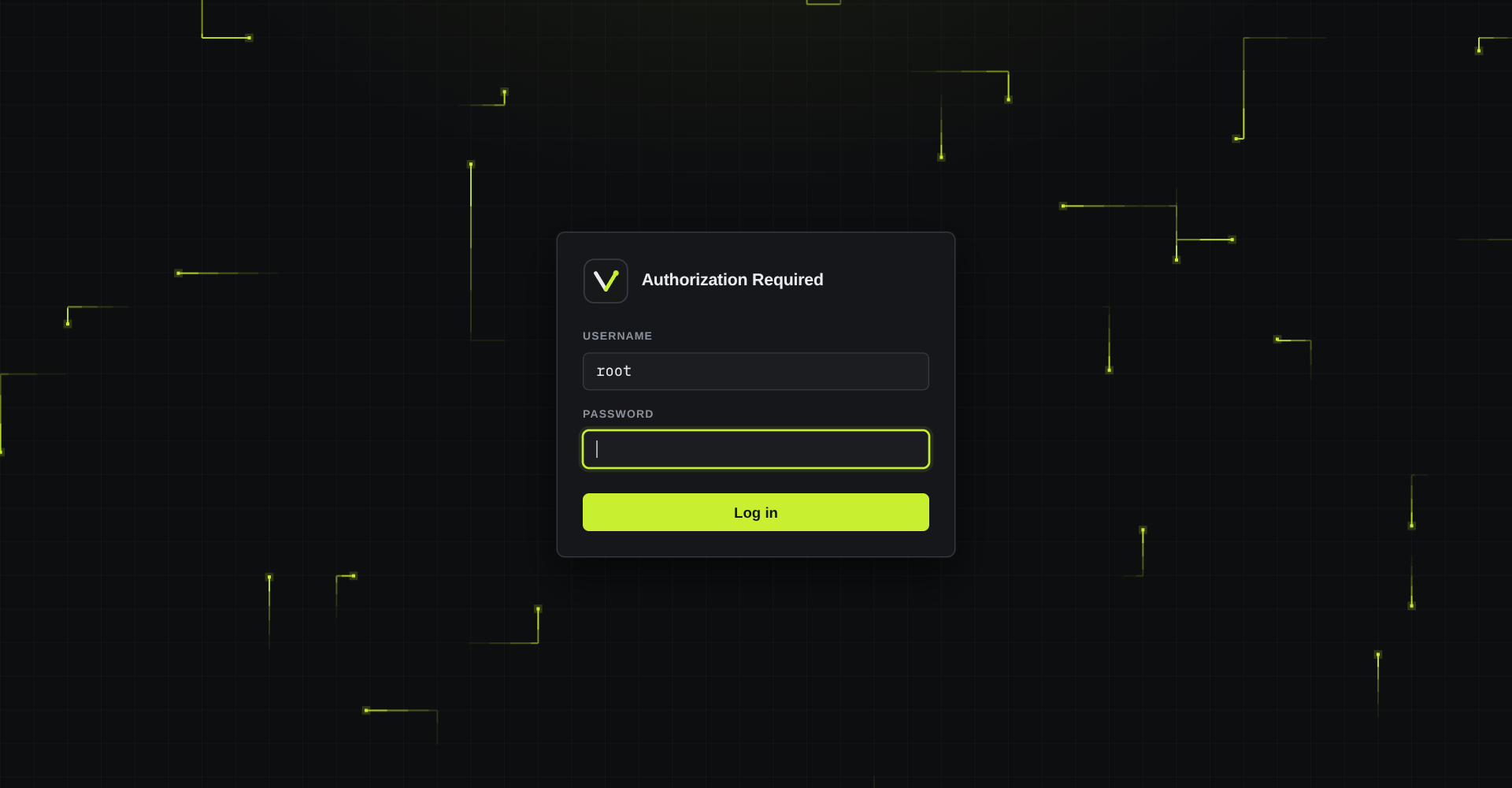
A quiet card on the grid, with packets moving behind it, a starfield, or nothing, as picked under Appearance. The theme adds nothing about the device to it but the router's hostname as its heading.
Built to be trusted on your router
CI runs the tests and security checks on every push and pull request, and publishes a release only when its build matches the hashes I committed. The details are in the README and SECURITY.md.
- Least privilege. The dashboard's ACL grants exactly the methods it calls. Reverse DNS and device names each sit in a group of their own, and no dashboard group grants uci writes.
- No markup from data. Every element is built with LuCI's
E()and text nodes; a check rejectsinnerHTMLand other HTML sinks. - Reproducible packages. The same commit, SDK release and pinned image always give byte-identical packages, checked against the commit's source.
- Signed repositories. apk and opkg check the index signature against the project key and each package against its hash.
Package repositories
Signed package repositories for Vantage, a LuCI theme and dashboard for OpenWrt 25.12 and 24.10. On the router, over SSH:
OpenWrt 25.12 apk
One-time setup on the router, then install and upgrade with apk:
key=$(mktemp) &&
wget -O "$key" https://anothadev.github.io/luci-theme-vantage/vantage-signing.pem &&
echo "c8a6c83eeb49ca2407932fb5e95785776128cef87db75ebaea0fe4171eee2157  $key" | sha256sum -c - &&
cp "$key" /etc/apk/keys/vantage-signing.pem &&
echo 'https://anothadev.github.io/luci-theme-vantage/25.12/packages.adb' >> /etc/apk/repositories.d/customfeeds.list &&
apk update &&
apk add luci-theme-vantage luci-app-vantage
Translations, where available, are separate packages:
apk add luci-i18n-vantage-<lang> luci-i18n-vantage-theme-<lang>
(for example zh-cn); choose the language under System → System → Language and Style.
OpenWrt 24.10 opkg
One-time setup on the router, then install and upgrade with opkg:
key=$(mktemp) &&
wget -O "$key" https://anothadev.github.io/luci-theme-vantage/vantage-24.10.usign.pub &&
echo "427da4a0b83a258f831f18b5408fd91101b8ac8d34a7d7a4011670d3b8c6d5ba  $key" | sha256sum -c - &&
opkg-key add "$key" &&
echo 'src/gz vantage https://anothadev.github.io/luci-theme-vantage/24.10' >> /etc/opkg/customfeeds.conf &&
opkg update &&
opkg install luci-theme-vantage luci-app-vantage
Translations: opkg install luci-i18n-vantage-<lang> luci-i18n-vantage-theme-<lang> (for example zh-cn).
Then log out of LuCI and back in; the dashboard is the first page after login. What changed in each release: CHANGELOG.md; the packages are also attached to the releases.
The commands stop before installing anything if a key doesn't match its hash. This page could be changed along with the keys, so first compare the hashes with the ones in the project's install guide on GitHub.